

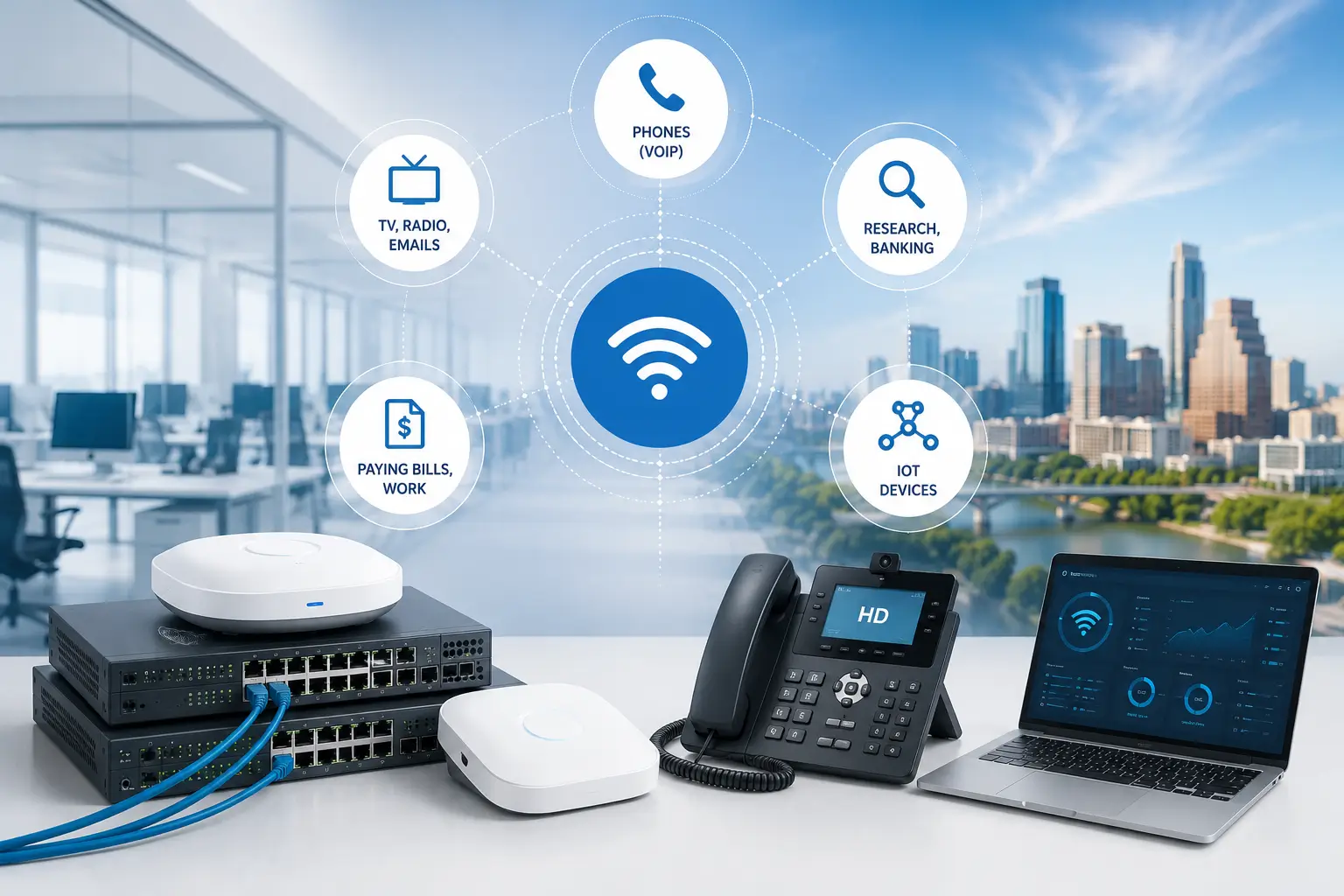

Do you have a wireless network that is overloaded? Are you getting complaints about interference? Are you getting complaints about dropped signal or packets? We offer troubleshooting and upgrading services. If you have an old wifi network that was setup a while back. The vendor or the IT person that setup is no longer around? Give us a call. Let us offer you a free consultation and estimate. If all the cabling infrastructure is already in place, upgrade are more affordable than you think.
A convenient means of accessing information, the internet, and peripherals is contingent upon having internet and network connectivity. Home or office networking allows people to share access to files, printers, HDTV, data, audio files, collaborate, and web search. Business Communication Solutions is a one-stop shop for all your hardwired data cabling and wireless network installation and setup needs in Austin and the surrounding areas. Our skilled network installer will help you create the best solution. We are experts at installing wired and wireless equipment for businesses, homes, and commercial buildings using the latest materials to avoid losing time on repairs.We provide cat5e, cat6 / 6a, coaxial, & fiber optic LAN cable installation & termination.
When your PC or docking station is physically plugged into an Ethernet cord or wall outlet using different form of cables, it is connected to a wired network. In this scenario, you wouldn’t be establishing a wireless internet connection. A wired network’s equipment is physically connected to one another, which frequently produces a dependable and quick connection. In environments like offices or data centers, where dependable, high-speed connections are essential, wired networks are usually utilized. They are also frequently utilized in home networks, especially for desktop PCs and gaming consoles that need a steady internet connection. The speed and stability of wired networks is their key advantages. Faster data transfer speeds may be possible since there is less potential for interference or signal loss due to the physical connection between the devices.
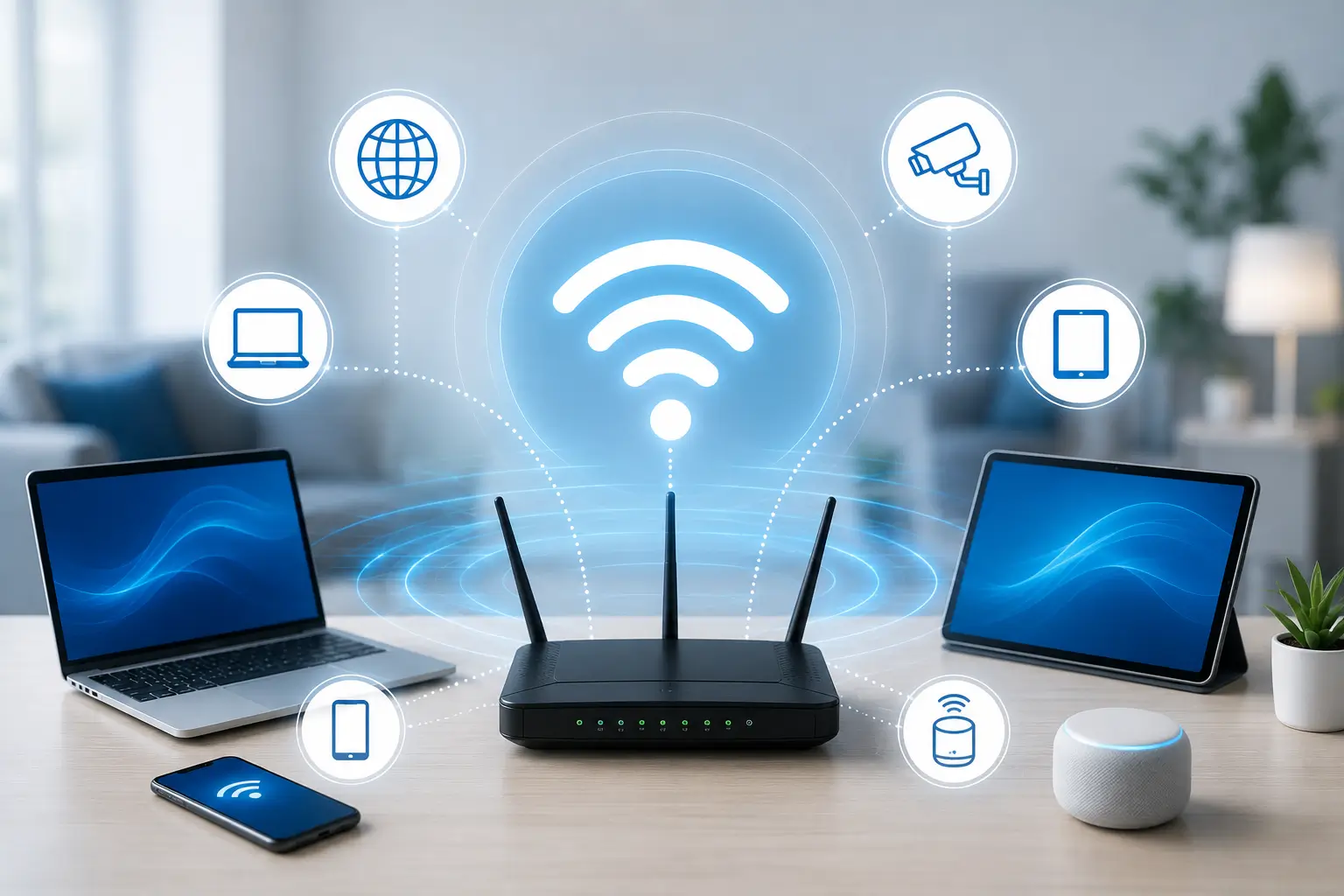
Wireless routers come in two varieties: mesh routers, which are a more recent design, and conventional routers.Mesh Wi-Fi routers are residential networking solutions that choose to tackle the issue of local connectivity in a more decentralized method. Mesh Wi-Fi systems rely on several Wi-Fi nodes instead of requiring each device in your home to connect wirelessly to the internet through a single router. One node in a mesh Wi-Fi system is called the primary router and is connected directly to your gateway connection, with the remaining nodes functioning as satellites. When these nodes work together, they function as a single, smooth network. Your devices connect to the closest node based on your location, enabling improved performance and less network congestion.Conventional Wi-Fi routers function as a single data transmission and reception point. The signal from the device must travel the entire distance to the position of the traditional router in order for it to communicate with it. In smaller residences, such as apartments or buildings with one story layouts, traditional routers can offer decent coverage. Wired connections are better supported by conventional routers. Four Ethernet connections are included in even the most basic models so that you can connect a PC, printer, network-attached storage (NAS), or another compatible device.
Security– The security of your wireless systems needs extra attention because wireless transmission is more vulnerable to attacks by unauthorized users.Coverage– It might be challenging to provide reliable coverage in some buildings, which can result in “black spots” where the signal is unavailable. Network strength differs between sites, and obstructions to signals are another possibility. A connection’s performance and quality may be affected by this.Slower and Unreliable Speed– Generally speaking, wireless networks are not as fast as wired networks. However, as the maximum speed capabilities of your present arrangement mostly determines the data transfer speed, you may always use a hybrid solution to increase the speed even further using both wired and wireless connections together.